
 Get Shortcut
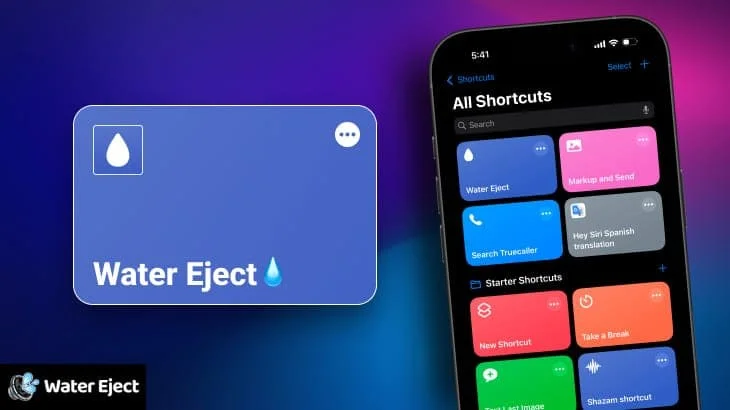
The Water Eject Siri Shortcut helps remove water from your iPhone’s speakers using sound waves. This guide explains how it works and how to use it effectively.
Understanding the Water Eject Shortcut
This shortcut utilizes sound waves at specific frequencies to vibrate the speaker membrane, dislodging water that may be trapped inside. This functionality is similar to the water ejection feature found on Apple Watch Series 3 and later.
Get more ShortcutsHow the Water Eject Shortcut Works
The shortcut plays a series of low-frequency tones that create vibrations in the speaker. These vibrations help to expel water droplets that might be obstructing the speaker’s sound output.
Using the Water Eject Shortcut
Here’s how to use the shortcut:
- Install the Water Eject shortcut from a trusted source.
- Run the shortcut from the Shortcuts app, Siri, or your Home Screen.
- The shortcut will play a series of tones for a short period.
- After the tones finish playing, check your speaker for improved sound quality.
Important Considerations
- Not a Guarantee: While this shortcut can be effective for removing small amounts of water, it’s not a guaranteed solution for all water damage.
- Volume Level: Ensure your iPhone’s volume is turned up to a reasonable level for the shortcut to be effective.
- Repeat if Necessary: If you still notice muffled sound after one run, you can repeat the shortcut a few times.
- Physical Drying: Always wipe down your iPhone with a dry cloth after water exposure, even if you use the Water Eject shortcut. Allow it to air dry thoroughly.
- Seek Professional Help: If your iPhone has been significantly exposed to water or if the sound problems persist, it’s best to seek professional repair.
Frequently Asked Questions
Is the Water Eject shortcut safe for my iPhone?
When used as intended and at reasonable volumes, it’s generally safe. More Shortcuts
Does this shortcut work on all iPhone models?
It should work on most iPhones that support the Shortcuts app. More Shortcuts
How often can I use the Water Eject shortcut?
Use it as needed after water exposure. Avoid excessive use. More Shortcuts
Is this the same as the Apple Watch’s water ejection feature?
Play Sound to Eject Water online from here Let’s Start Fix My Speaker
After trying these methods, should I turn my iPhone back on?
Wait at least 48 hours before turning your iPhone back on. It’s crucial to allow enough time for any moisture to dry out completely.