
Professional Water Eject Solution for All Devices
Understanding Water Damage in Speakers
Water exposure can significantly impact your device’s speaker performance and potentially cause long-term damage. When water enters speaker cavities, it can interfere with the speaker’s membrane movement, resulting in muffled sound or complete audio failure. Our water eject tool uses advanced sound wave technology to safely remove water from your device’s speakers, preventing potential damage and restoring sound quality.
Device Compatibility
Our water eject tool works effectively across all modern smartphones, including iPhones, Android devices, tablets, and even smartwatches. Whether you have the latest iPhone or any other mobile device, our technology adapts to provide optimal water removal results. The tool is especially effective for water-resistant devices but can help with any water-exposed speaker.
How Water Ejection Works
Our technology generates specific sound frequencies (between 160-200 Hz) that create controlled vibrations in your device’s speakers. These vibrations effectively push out water droplets trapped in speaker grills and cavities, similar to the water ejection feature found in premium smartwatches. The process is completely safe and uses your device’s own speaker system to remove unwanted moisture.
Key Benefits of Our Water Eject Tool
- Safe and non-invasive technology that protects your device while removing water
- Immediate results with real-time frequency adjustment for optimal water removal
- Customizable settings to match your specific device and water exposure situation
Why Choose Phone Water Ejection ?

Safe & Reliable
Proven technology that’s completely safe for all devices.

Instant Results
See immediate improvement in speaker quality.

Customizable
Fine-tune frequencies for optimal results.
How to Fix My Speaker ?
Cleaning your speaker from water and dust is straightforward with the Fix My Speaker app. Here’s how you can effectively remove water from your phone using this tool:
- Wipe Your Device
First, use a dry cloth to clean any visible water on your phone. This prevents more water from getting into the speaker. - Increase Volume
Turn up your device’s volume to the max before the cleaning sounds play. - Place Device
Place your device on a flat surface while the tool works. - Start Cleaning
Choose the sound mode in the app and hit start. Let it run until the audio progress bar hits 100%. - Switch to Vibration Mode
Next, select vibration mode and press the eject water button. Wait until the progress bar is full again. This mode dislodges any remaining water. - Check Performance
After the cleaning sounds, play some music or audio to test your speaker. You’ll notice if there are any improvements from before. - Repeat if Needed
If there’s still water or the sound is muffled, run the modes a few more times—up to 2-3 times might be necessary for the best results.
Steps for Fix My Speaker.
Step -1
Prepare Your Device


Step -2
Start the Cleaning Tool

Step -3
Sound Level Cleaning Instructions
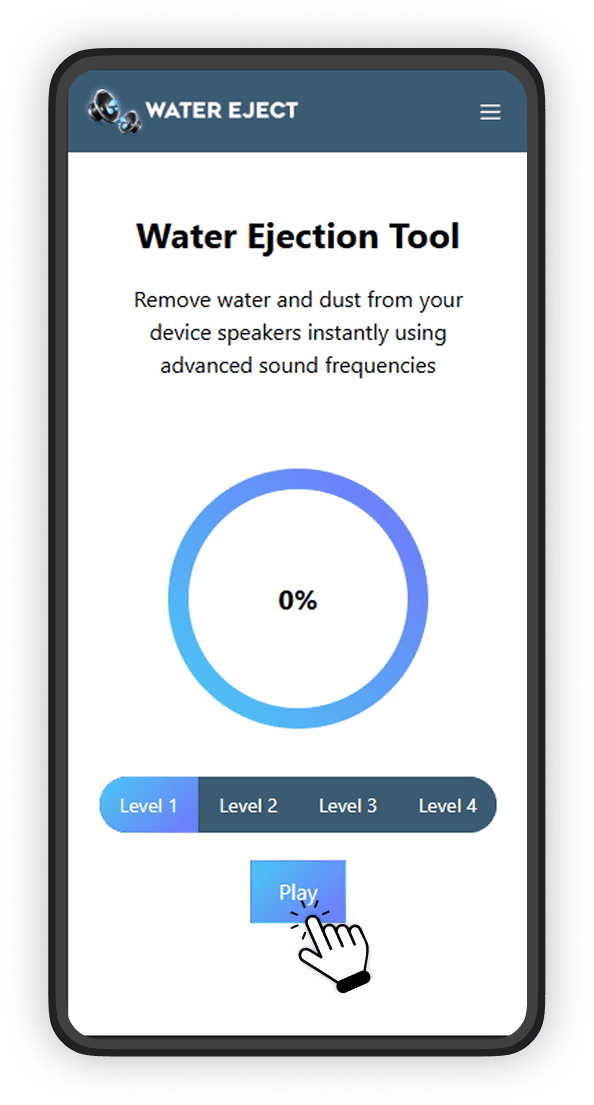
Step -4
Sound Level Cleaning Instructions
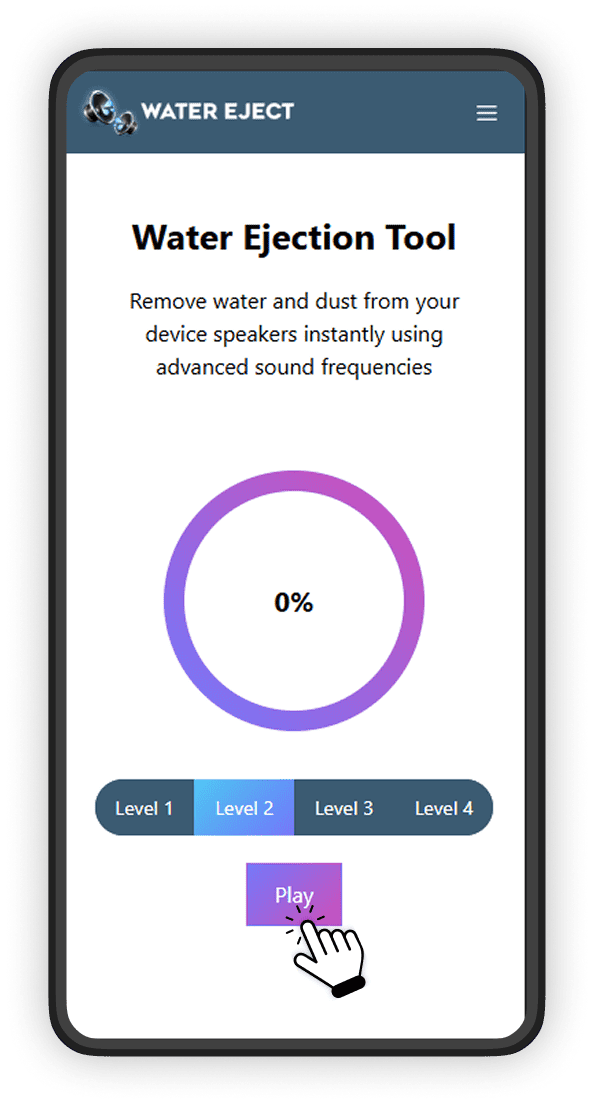
Step -5
Sound Level Cleaning Instructions
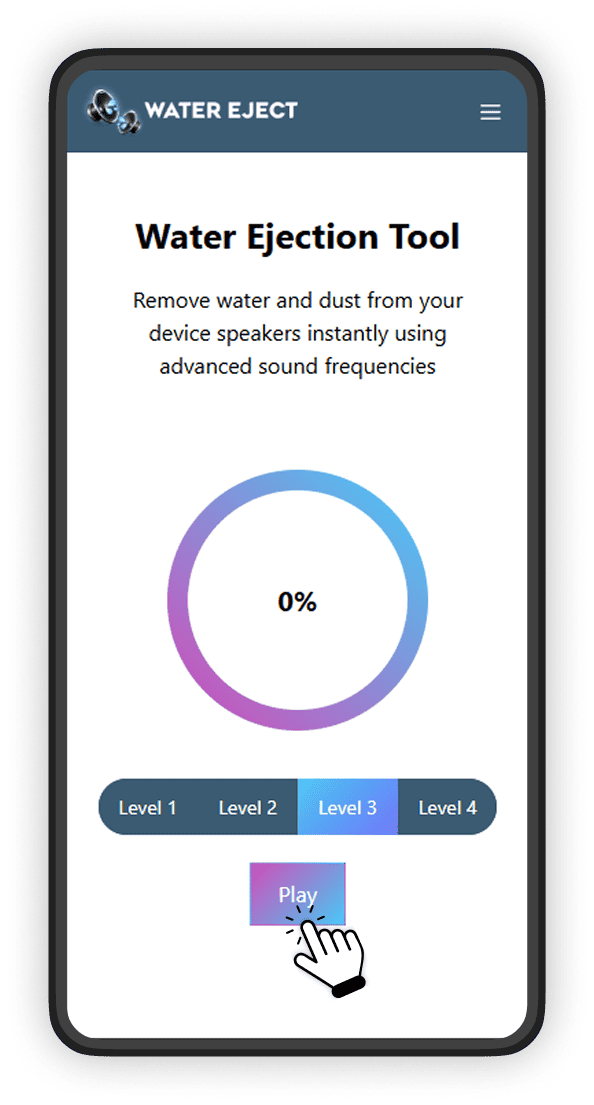
Step -6
Sound Level Cleaning Instructions
